
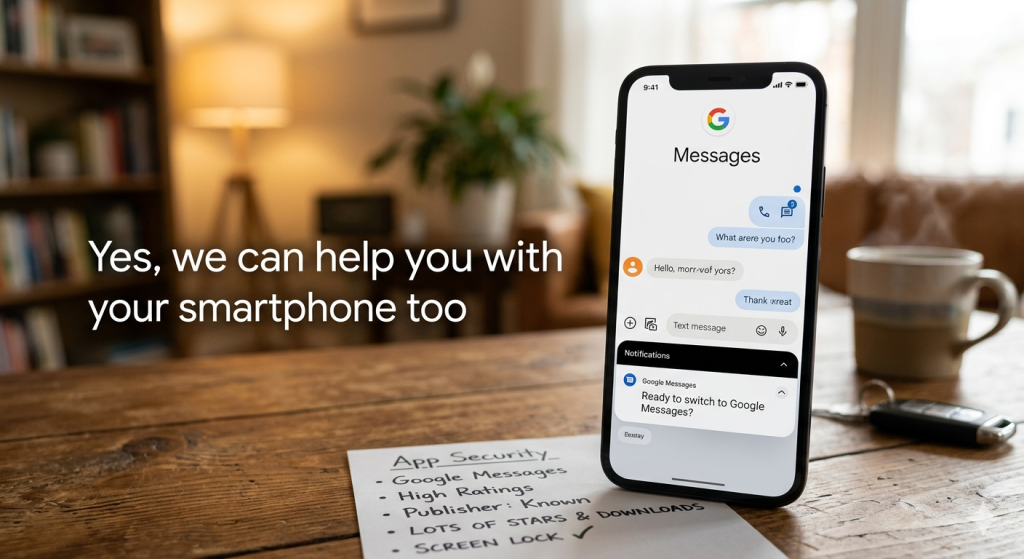
Most of us think of our smartphones as just another tool in the pocket, but they’ve quickly become the most important piece of technology we own. From managing finances to staying connected with family, your phone is a powerhouse. That’s why we want to make sure yours is running smoothly, securely, and up to date with the latest changes in the mobile world.
The Big Switch: Saying Goodbye to Samsung Messages
If you use a Samsung smartphone, you might notice some changes coming to messaging. Samsung has officially announced that Samsung Messages is being discontinued in favor of Google Messages as the new default messaging standard.
- Why the change? Google Messages offers better integration with modern “RCS” features (like high-quality photo sharing, messaging bubbles and read receipts), encryption interoperability with Apple devices and advanced AI tools like Gemini to help you draft texts.
- What you need to do: If you are in the U.S., you will likely see a notification by July 2026 prompting you to switch. The good news? Your existing conversations will automatically transfer over to the new app.
- The Deadline: After July 2026, the Samsung Messages app will no longer be able to send or receive standard texts (though it will still work for emergency services). We recommend making the switch now to get ahead of the curve!
App Safety: Quality Over Quantity
Your smartphone’s app store is like a digital playground, but not every “toy” is safe to play with. Malicious apps can slow down your phone or, worse, steal your personal data. When you’re looking for new tools or games, follow our “Rule of Three” for a safer experience:
- Trust the Publisher: Stick to known names (like Google, Microsoft, or Meta) or verified developers.
- Check the Numbers: Look for apps with millions of downloads. A high download count is a good indicator that the app is legitimate.
- Pay attention to the ratings and reviews: Does the app have lots of 4-5 star reviews? Read a few recent 5-star and 1-star reviews to see if users are reporting bugs or suspicious behavior.
Pro Tip: If an app asks for permissions that don’t make sense—like a simple calculator app asking for access to your microphone or contacts—it’s best to hit “delete.”
Apps to avoid
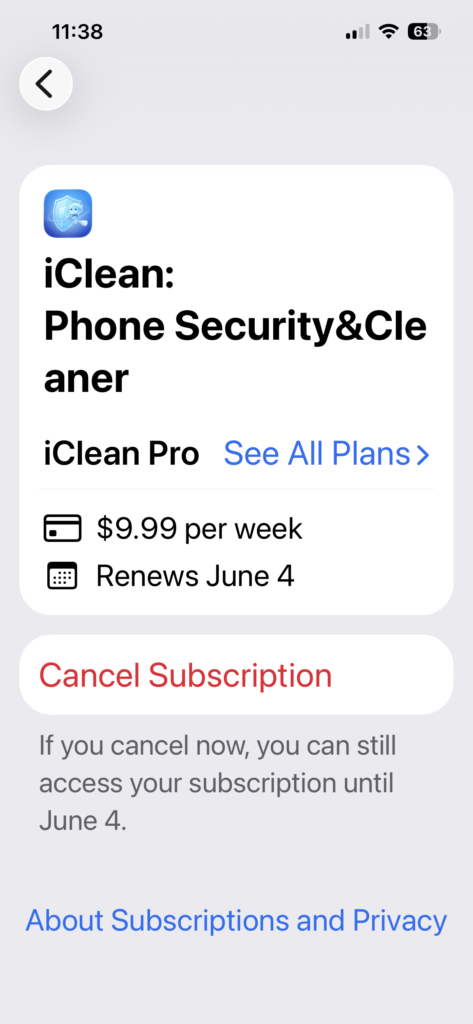
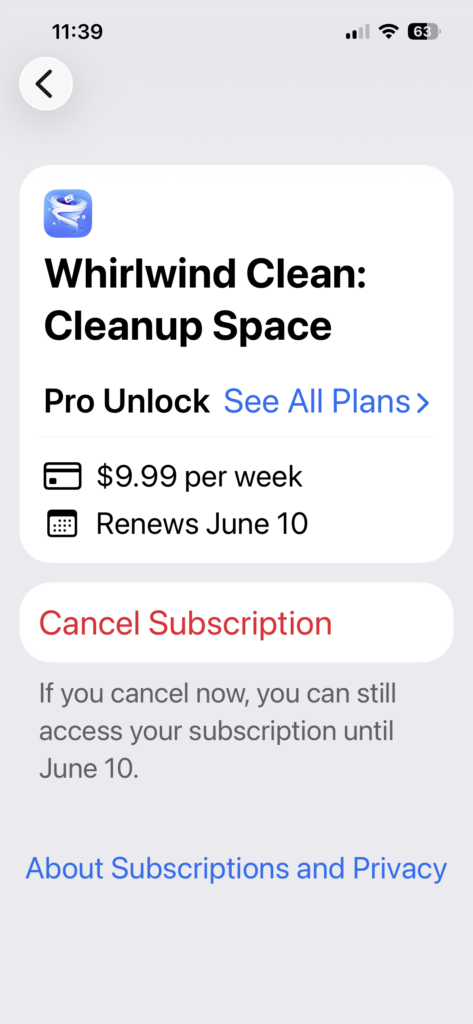
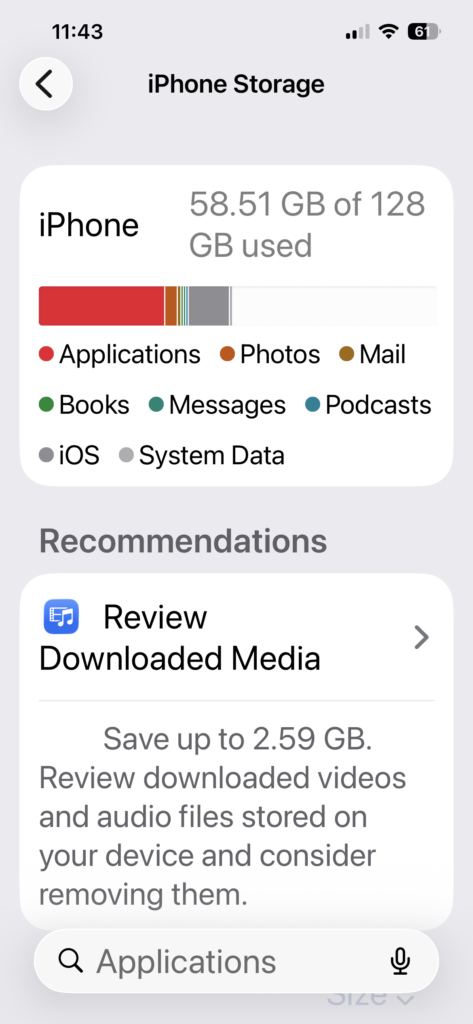
Lots of apps in the Apple App Store or Google Play Store duplicate the functionality that’s already built into your device. Flashlight apps, QR code readers, document viewers, calculators, antivirus and device cleaners are unnecessary and often include annoying ads that take over your screen, or weekly/monthly subscription fees. In the example pictured below, you could pay $9.99 per week for shady apps to clean your iPhone – or pay nothing using the recommendations in the iPhone Storage settings.
Your First Line of Defense: The Screen Lock
It sounds simple, but you’d be surprised how many people leave their phones “naked.” Always use a screen lock. A PIN is a must, and biometric security like a fingerprint or face ID helps you unlock your device quicker, this is an effective defense against identity theft if someone gets ahold of your smartphone.
A screen lock doesn’t just keep your nosey cousin out of your photos; it encrypts your data. If your phone is ever lost or stolen, an unguessable screen lock ensures that your emails, banking apps, and private information stays private.
Don’t forget to setup your Medical ID / Medical Info
Now that you’ve secured and encrypted your smartphone it’s a good idea to leave a certain amount of information about you accessable should you have a medical emergency, or lose your device. Medical ID / Medical Info is information that should be filled out now that is accessible from your locked device. Read: How to add emergency contact info to the home screen of your smartphone.
Do you need help setting up your new messaging app or securing your device? Whether it’s a computer or a smartphone, we’re here to help you navigate the tech world with confidence. Contact us — we can help!