
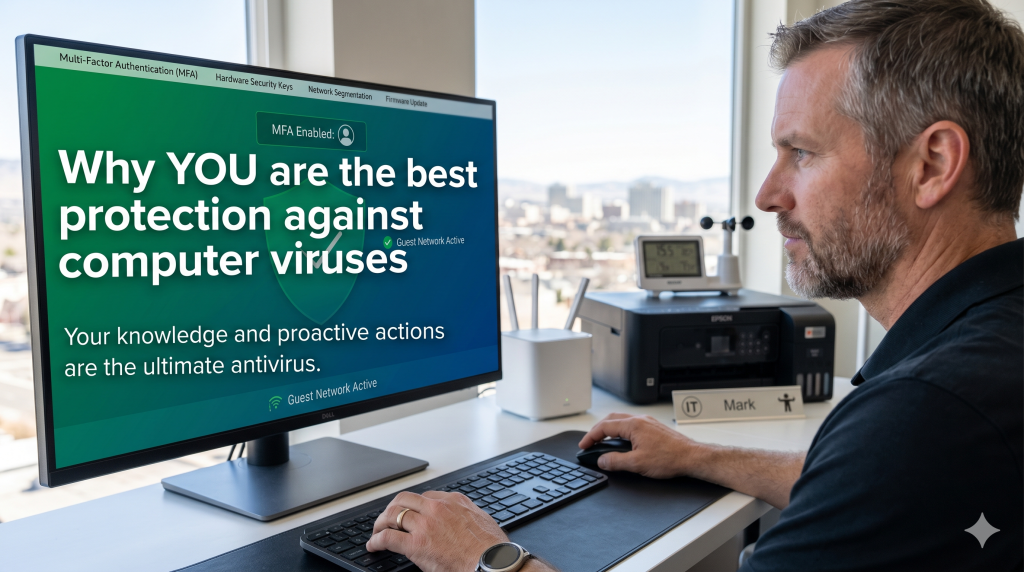
In the early days of computing, the primary digital threat was the “computer virus”—malicious code designed to disrupt your system or delete files. Today, however, the digital landscape has shifted dramatically. While traditional viruses still exist, modern threats have evolved into sophisticated phishing and social engineering scams that target the user rather than the software. Because these scams rely on human psychology rather than technical exploits, your own vigilance is now the most critical layer of defense for your computer.
The Evolution of the Threat
For years, antivirus software was the “silver bullet” for security. However, cybercriminals have become increasingly clever, realizing it is often easier to trick a person into granting access than it is to hack through a firewall. Modern scams frequently use social engineering, a tactic that utilizes urgency, fear, or curiosity to manipulate you into taking action, such as clicking a malicious link or revealing a password.
Why Your Antivirus Can’t Save You
A major reason why you are your own best protection is that antivirus programs frequently fail to detect modern threats. This is because scammers have moved away from traditional “malware” in favor of Remote Access Tools (RATs).
RATs are legitimate software applications used by IT departments every day to monitor devices used by employees. Because these tools are legal and widely used by businesses, antivirus software does not identify them as malicious. But, scammers exploit this “blind spot” by renaming these tools and tricking users into installing them.
The “Friend” in Your Inbox: How Scams Spread
One of the most dangerous new methods involves an email that appears to come from someone you know, such as a neighbor, a friend, or a professional service provider like a lawyer. These messages are carefully crafted to look like common information requests or invitations, using hooks such as:
- “RSVP for the celebration (of life)”
- “Click here to view the invitation”
- “Review this important document” or “Check out the pictures”
- “We’re updating our records” or a “Social Security Statement”
If you click the link in these emails, it discreetly downloads the remote access tool onto your computer. Alternatively, you may be prompted to sign in to your email account to view the invitation or document.
The Consequences of a Breach
Once a scammer has remote access to your system, the impact is far more dangerous than a simple virus. They often wait until you are away from your computer or asleep to go through your web browser, password manager, and personal files. They may attempt to:
- Transfer money out of your financial accounts.
- Purchase gift cards using saved payment information on sites like Amazon.
- Steal your identity by copying your address book and using your familiar name to send the same scam to your contacts.
Protecting Your Digital Life
To stay safe, you must treat every unexpected message as “guilty” until proven innocent.
- Never click on links or attachments in unexpected emails, even if they appear to come from a trusted source.
- Verify independently by calling the person or company directly using a known, trusted phone number to confirm they actually sent the message.
- Slow down and look for red flags like bad grammar, generic greetings, or a high pressure to act quickly.
Technology provides many tools to help, but in 2026, the most powerful security feature is your own informed judgment and caution.
Computer Techs technicians can help find RATs that may be on your computer which are undetected by antivirus software, and help secure passwords that may be accessible to scammers and hackers. Contact us today for assistance.