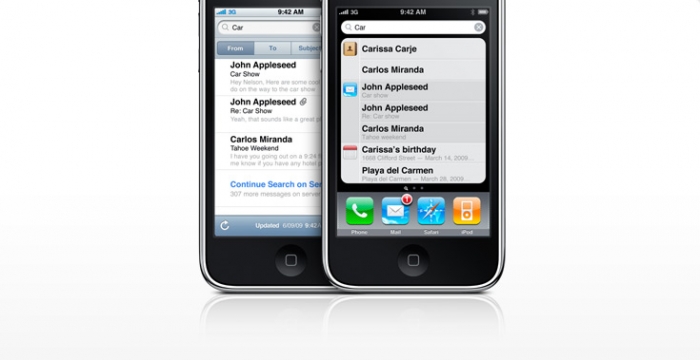
Use the search-as-you-type feature on your computer or smartphone to help you find what you’re looking for
If you’re looking for a program or file on your computer or smart phone, don’t forget to use the search-as-you-type feature now available on most devices.
On the PC, beginning with Windows Vista all you have to do is click the Start button and start typing what file, file content or program you are looking for.

On many smartphones such as the iPhone, BlackBerry or Android devices, search-as-you type will help you find contacts, messages, media, apps, etc.