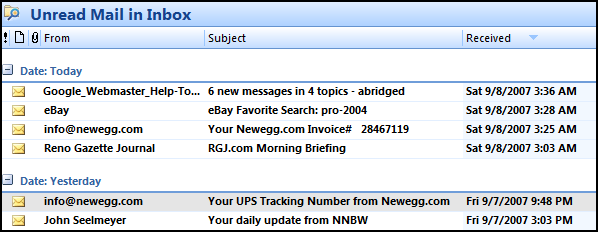
Occasionally a customer will tell me they can’t find their new e-mail amongst the rows of hundreds of e-mail messages. They say at some point their new messages start filling-in randomly in the middle of their list.
Usually what has happened is that they have inadvertently clicked on one of the column headers – “From”, “Subject”, or “Received”. Clicking on the row header will sort the rows (list of e-mail messages in this case) by that column. Clicking the same column header again will sort the items in reverse order (Z-A vs. A-Z, or date chronology).
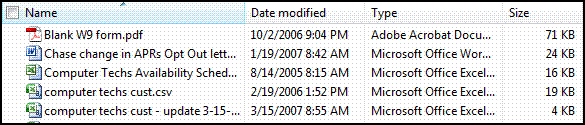
In the examples below, I am sorting files in “My Documents” folder. Note the triangle in the column header showing which column is being sorted, and a reverse sort order is indicated with an upside-down triangle.
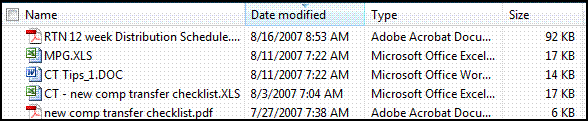
If your files display as larger icons that don’t display the column headers, choose “Details” from the View Menu.