Updated March 28, 2009 (added link to more online articles):
Fake anti-virus programs have been appearing on an ever-increasing number of computers in the past year, tricking people into believing they have a large number of viruses and privacy threats on their computer and recommending that people buy specific software to fix the problems.
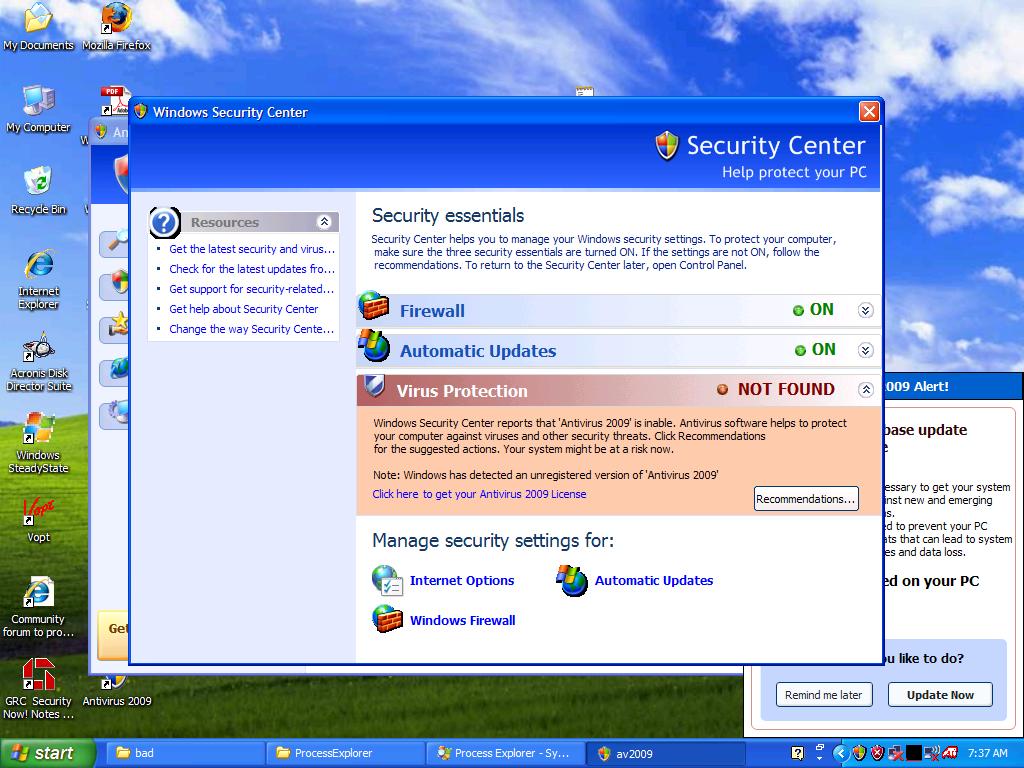
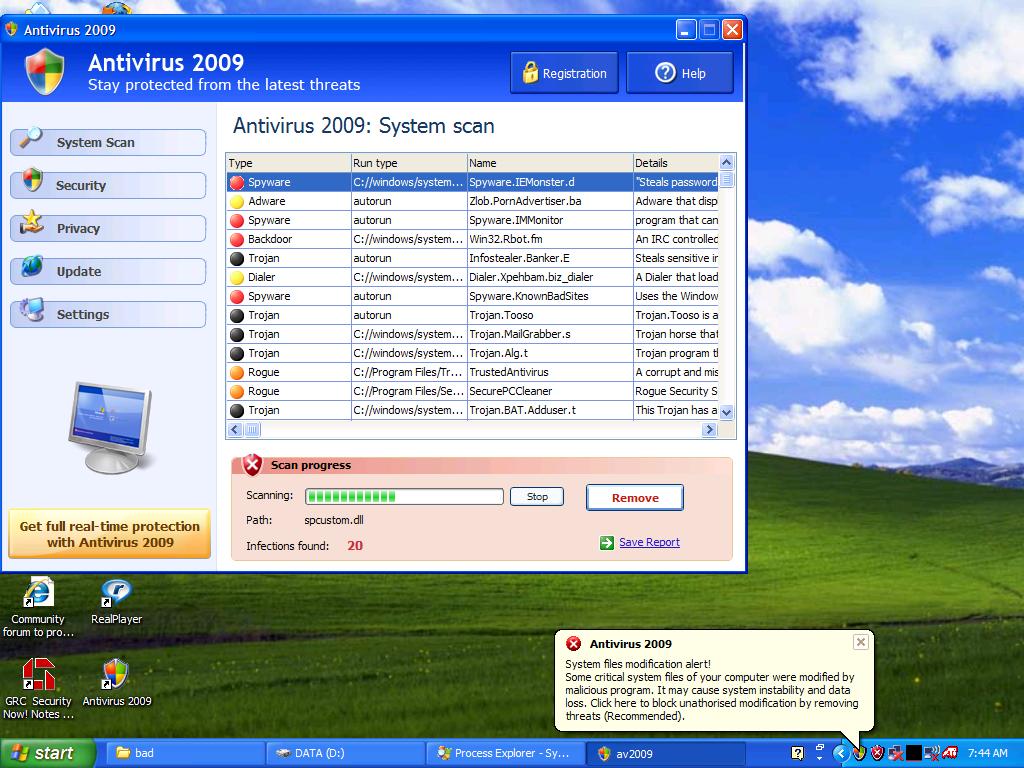
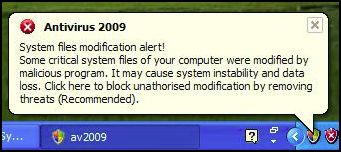
One common fake program, Antivirus 2009, pops up a realistic-looking Windows Security Center window that recommends the purchase of a license for the program. It also presents a balloon pop-up from the system tray (by the clock on the bottom right of the screen) that further alarms people, and leads them to believe that purchasing the program will remove the immediate threats to their computer’s security. The fact is that the program is a scam which shows false scan results and fake realistic-looking windows in an attempt to trick people into buying their program.
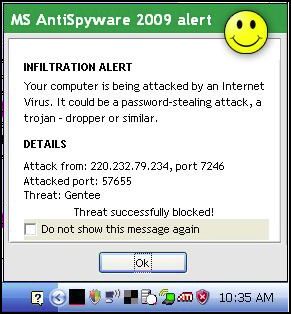
Screen shots at the bottom of this article show signs that you may have this fake program installed on your computer. Other signs that you may have a fake removal program on your computer include grammatical errors in the text of alerts that pop up, multiple alert methods, and urgent messages that suggest the immediate purchase/registration of a program that you’ve never heard of before.
What to do if you get warning messages from a program that you have never installed: To avoid or reduce the damage caused by these scammers, I suggest that if you get a pop-up window from an unknown program telling you that there are problems with your computer, you immediately turn off or restart your computer and see if the program returns after your computer is back on. Previous methods of clicking the red “X” on the upper-right corner of the box have been ineffective at keeping this malware from installing.
Many legitimate Anti-Virus programs do not yet completely remove fake anti-virus programs. Computer Techs often uses manual removal methods to completely remove the bogus program and the traces it leaves behind.
Fake anti-virus programs are not a new problem. Over 2 years ago I wrote about similar programs. There is even a website that until May 2007 attempted to provide current updates on the names and techniques of all the rogue anti-spyware programs.
More Articles: PC World writes “Fake infection warnings can be real trouble“. The Register has written an in-depth article on how this scam gets spread and entices people to install it.